
People Counting: what is it & how to choose a people counter
One-page guide for retailers, attractions and venues. Understand people count sensor technology, commercial ROI, and follow an 8-step checklist to pick the footfall sensor that fits your space, budget and data requirements.
People Counters in 90 Seconds
People counting is the automatic measurement of how many people enter, exit or move through a space. You'll also hear it called footfall counting, foot-traffic analysis or visitor counting.
Modern systems pair AI vision sensors with POS, ticketing or building-management data so you can calculate:

Total entrants

Buyers ÷ entrants

Exit time – entry time

Entrants minus exits, rolling
Based on these continuous footfall counter KPIs, you can adjust staffing, monitor the impact of marketing spend and set capacity safety limits—often driving RoI in a matter of days.
How a People Counter Works
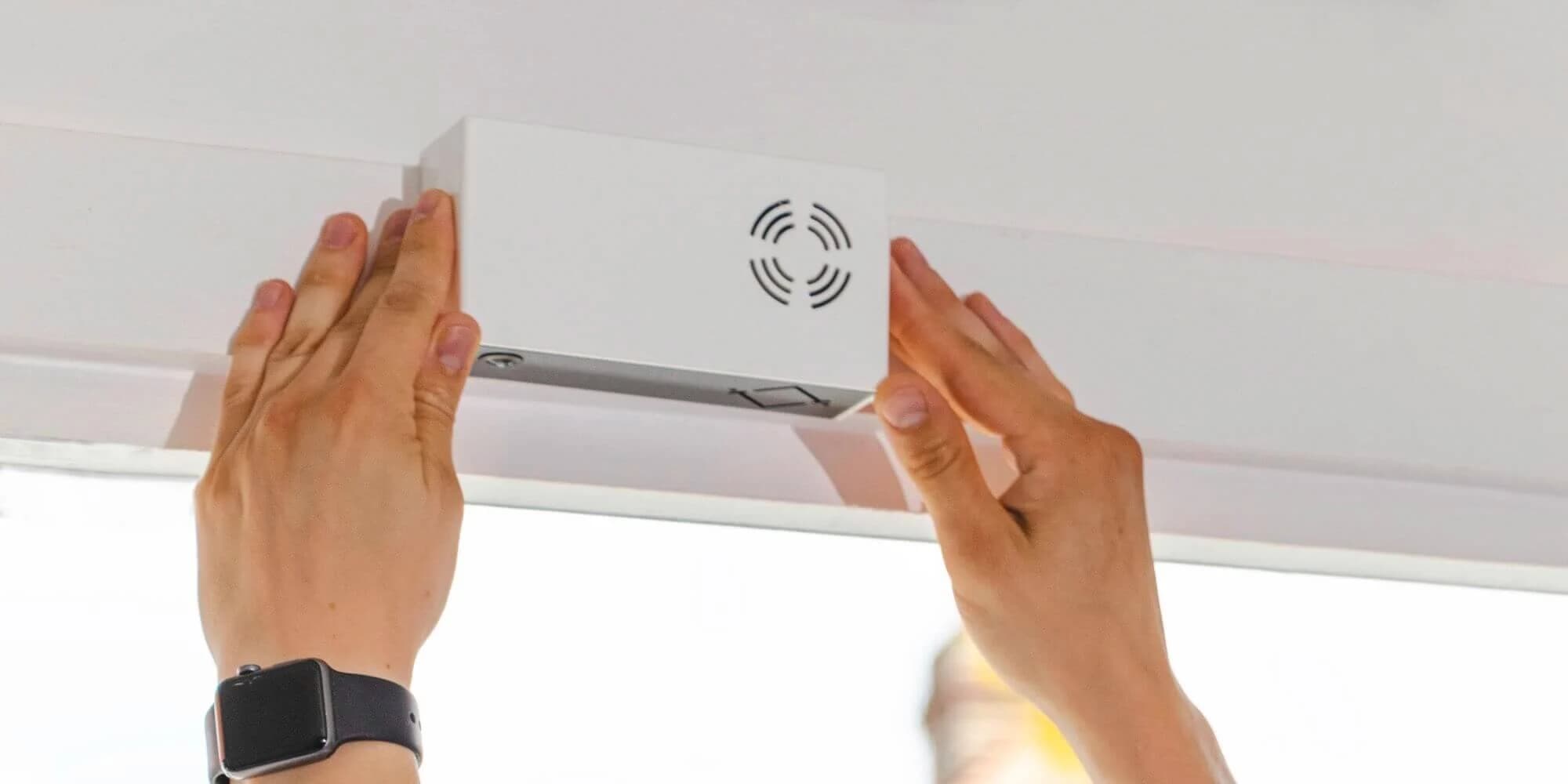
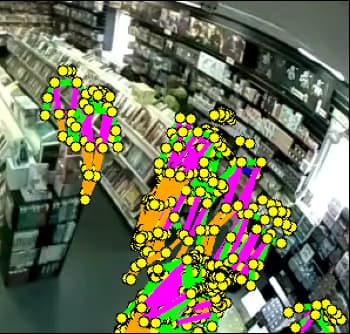
Sensors at the doorways or thresholds create a virtual line or zone.

AI will blur out any personal data, then track the 'blurs' across the line or zone.
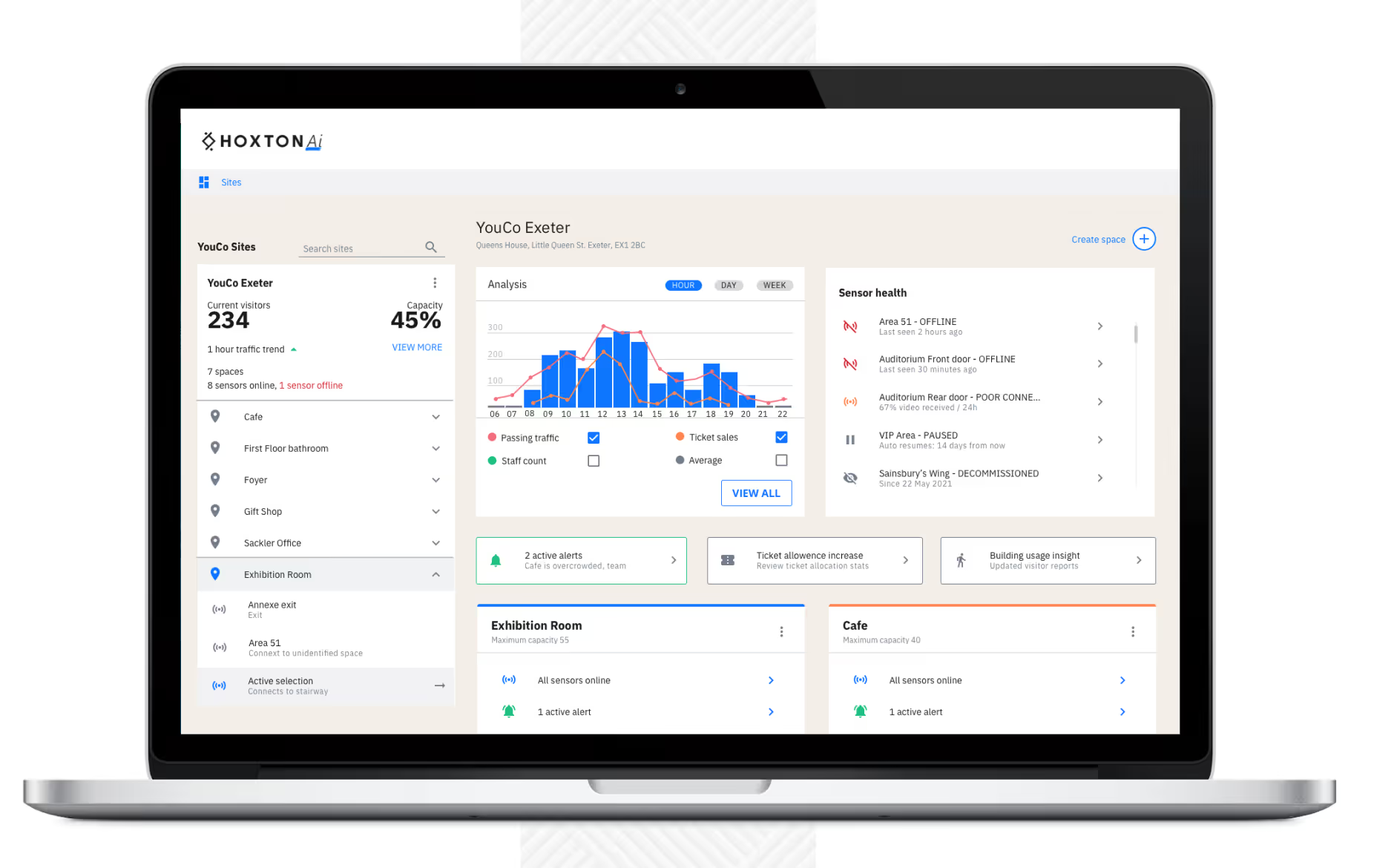
Store traffic counts are batched every few seconds for real-time dashboards.
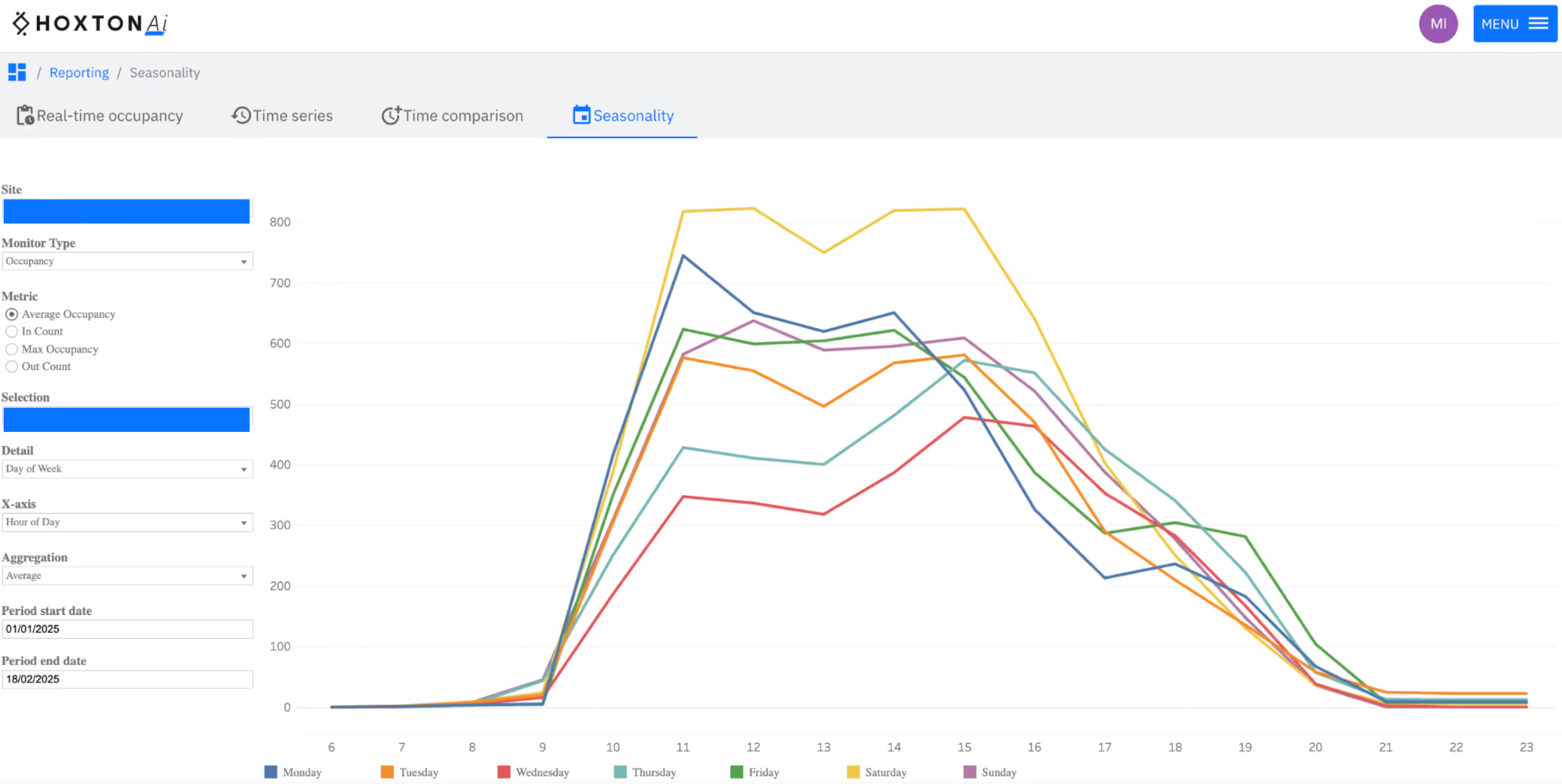
POS or ticket scans, staffing rosters, weather and events can be over-laid to show cause-and-effect
Footfall Counter Technologies Compared
| Sensor type | Typical accuracy | Strengths | Limitations | Best fit |
|---|---|---|---|---|
| Anonymising AI camera | 95 – 99 % | Bi-directional footfall counts, anonymised, low-light tolerant | Needs PoE & network | Retail, attractions, venues |
| Thermal array | 85 – 95 % | Works in total darkness | Limited analytics; pricey | Cinemas, outdoor gates |
| Infra-red beam | 50 – 70 % | Cheap, quick install | Double-counts objects, no direction | Washrooms, outdoor stalls |
| Wi-Fi/Bluetooth probe | 50 – 60 % | Counts through walls, large radii | Misses most devices, counts anyone walking past so poor accuracy. | Malls, campuses |
| Existing CCTV surveillance camera | 60 - 90 % | If positioned directly above door pointing down, can be as accurate as dedicated devices. | Usually placed at oblique angles, which makes them less accurate, limited analytics and integrations as primarily for surveillance. | Malls, stadiums |
Use-Cases by Sector

Match foot-traffic data to POS for in-store conversion rate.
A/B-test window displays, promotions and staffing rotas to drive sales and manage operations.
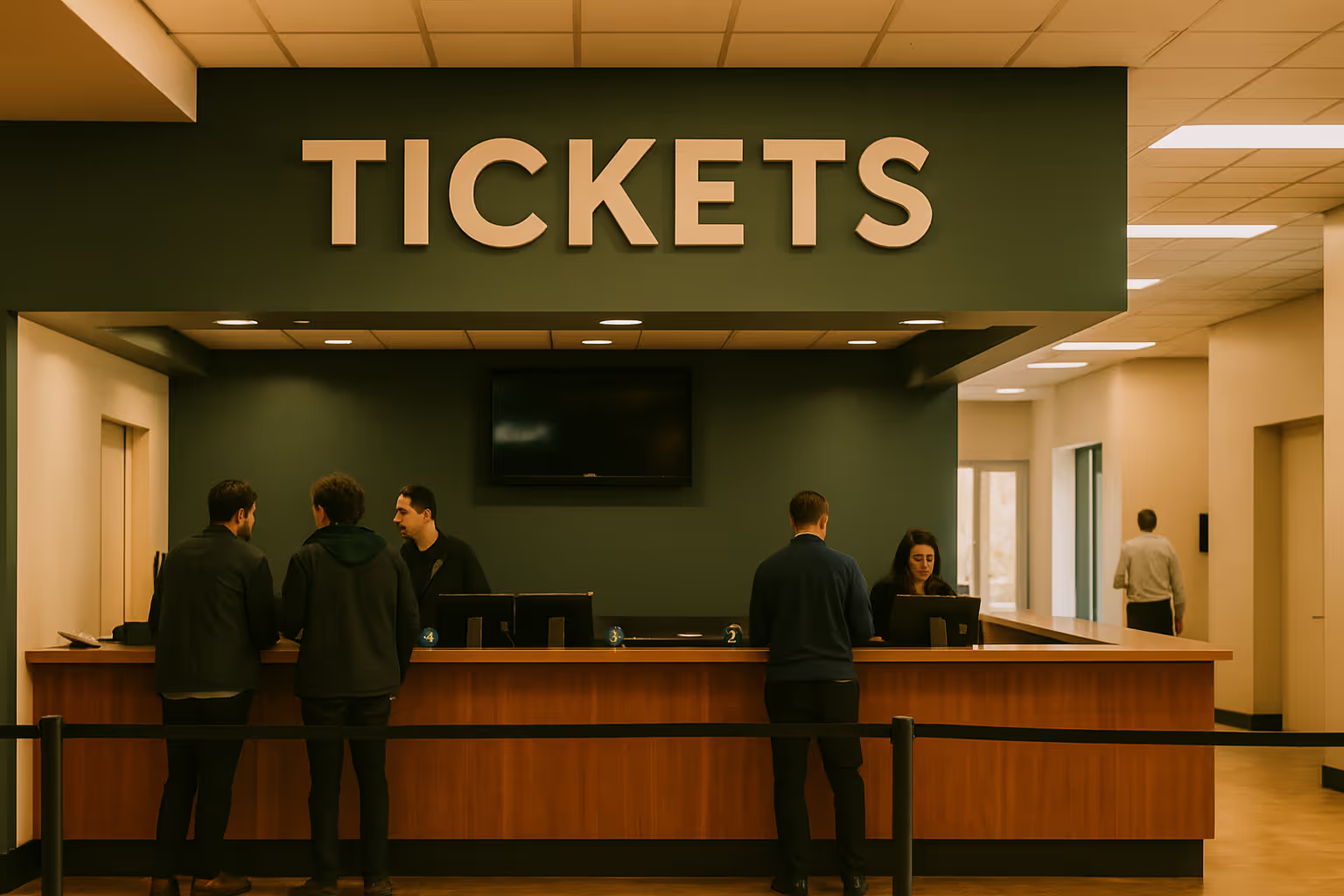
Live occupancy dashboards for compliance and people flows.
Use the data for ticketing (pricing and allocation), capacity management and safety, and staff allocation.
For long distances and outdoor counting, 3D realtime mapping and visitor traffic representation.
Use the data as a KPI or to automate processes in smart buildings.
How to Choose the Right People Counter: 8-step checklist
Consider traffic flow needs
List each entrance, exit and internal zone you'd like to measure. High-volume doors need the most accurate people count sensors.
Set accuracy targets
Retail conversion analytics will need >= 96 %
Realtime occupancy will need >98%
Check integrations
Confirm the traffic counting system can push data into your point of sale system, business intelligence platform or BMS via REST API or direct integration.
Review compliance
Ensure compliance with local laws. For example edge anonymization and no PII storage to keep you inside GDPR or CCPA.
Calculate 3-year TCO
Include Hardware and SaaS costs. Compare against projected conversion uplift or improved resource usage.
Live accuracy audit
It is essential to calibrate the footfall counter using remote accuracy service. If this is not available, use manual clickers for at least two peak hours.
Check SLA & support
Look for automatic firmware and software updates, uptime agreements and the overall quality of the support team.
Get trial terms
Trialling is important ensure the product does what it says it does, it might even be better to trial multiple solutions simultaneously.
Implementation Timeline: Trialling
After choosing a people count solution, it's time to proceed with a trial to verify the installation process and data quality of the product. A 14 day trial should be sufficient and will typically follow the timeline below.

10 minutes
Scope entrances, research networking and power

20 minutes
Install footfall counter, set up cloud dashboards, run accuracy audit

40 minutes
Integrate POS / ticketing / BMS feeds and see the people count data coming through

Day 2-5
Train staff, publish live data reports, assign and automate alerts

Day 5-14
Review ROI and roll out to remaining sites
FAQs
Explore our frequently asked questions about people counting and conversion rates to better understand the HoxtonAi cloud platform features.